


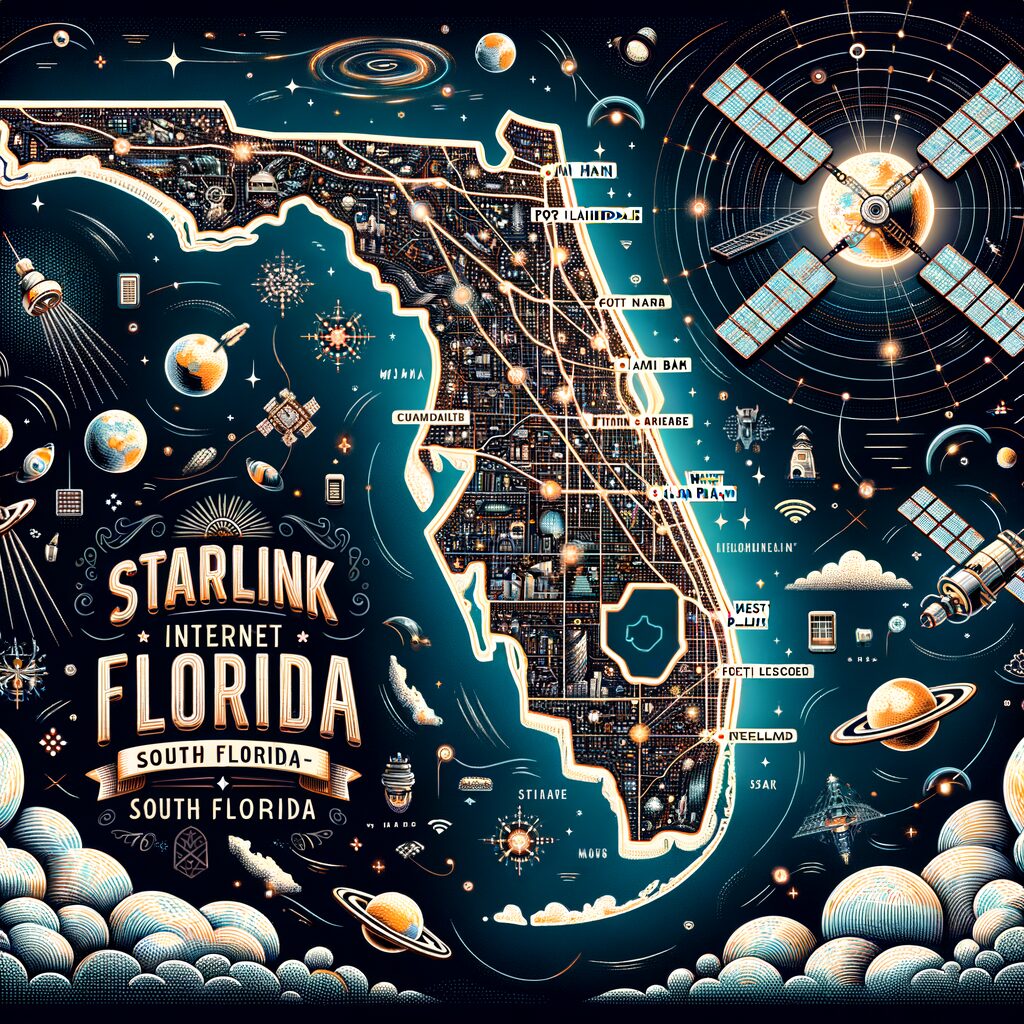
Starlink Internet Coverage Map for South Florida: Miami, Fort Lauderdale, & West Palm Beach
South Florida—sun, sand, and a mix of dense urban neighborhoods and open waterways—presents a unique set of connectivity needs. If you’re considering Starlink for Miami, Fort Lauderdale, or West Palm Beach, the Starlink Internet Coverage Map for South Florida: Miami, Fort Lauderdale, & West Palm Beach is the first place to start. This guide explains how to read the map, what coverage typically looks like in the region, and practical tips for getting the best performance.
How to use the Starlink coverage map

Starlink’s interactive coverage map allows you to:
- Check availability by address or map area.
- See planned expansions and service readiness.
- Compare residential, RV/portability, and maritime options in some regions.
Steps:
- Visit the official Starlink website and open the coverage map.
- Enter an exact address (or drop a pin) to see immediate availability.
- If your address is not yet active, join the waitlist or sign up for service alerts.
Using the map will quickly tell you whether service is available now, available for pre-order, or expected soon in parts of South Florida.
What coverage looks like across Miami, Fort Lauderdale, and West Palm Beach
- Miami: Dense urban cores and high-rises can complicate antenna sightlines. Coverage is generally available across the Miami metro area, but rooftop or balcony mounting is often required for best reception in downtown areas.
- Fort Lauderdale: A mix of suburban neighborhoods and waterways. Coastal and canal-front homes often have excellent line-of-sight to satellites; inland tree cover can reduce signal without a clear mounting location.
- West Palm Beach: Coverage tends to be strong, especially along the coast and in open residential zones. Large trees and narrow lots may require creative mounting solutions.
Remember: the coverage map shows satellite footprint and planned service areas, but local conditions (tall buildings, dense foliage) determine actual performance at your address.
Which Starlink plan is right for South Florida?
Consider these common options:
- Residential Starlink: Good for households that need reliable home internet and have a stable mounting location (roof, pole, or high balcony).
- Starlink Roam / Portability: Useful if you move frequently between seasonal homes or travel in an RV; check roaming rules and coverage zones on the map.
- Starlink Maritime: Ideal for boats, marina users, and offshore activities—especially relevant for South Florida’s boating culture.
- Premium / Business plans: If you need higher throughput or guaranteed service levels for streaming, remote work, or business operations.
Check the map and product pages to confirm which plans are supported in your exact location.
Performance expectations and real-world tips
Starlink performance varies by plan, local environment, and network conditions. Expect:
- Typical latency suited for web browsing, video calls, and streaming; online gaming performance can be good, but varies.
- Speeds that fluctuate with network load and antenna placement.
To maximize performance:
- Mount the dish with a clear view of the sky—avoid obstructions like tall palms, buildings, or heavy foliage.
- Consider rooftop or pole mounts in dense parts of Miami for unobstructed lines of sight.
- For condo or high-rise residents, work with building management to secure a permitted rooftop installation.
- Use surge protection and a reliable power backup—storms and outages are a reality in South Florida.
Special considerations for South Florida
- Boaters and marinas: Check maritime coverage stripes on the map and confirm whether your route or marina has coverage. Starlink Maritime is designed for coastal connectivity.
- Hurricanes and severe weather: Secure and store portable equipment before storms. Consider professional mounting and grounding for fixed installations.
- Regulatory and HOA issues: Verify local ordinance and homeowner association rules for rooftop equipment and mounts.
Final checklist before you order
- Check the Starlink Internet Coverage Map for South Florida: Miami, Fort Lauderdale, & West Palm Beach by entering your address.
- Decide which plan fits your needs—residential, portability, or maritime.
- Plan antenna placement for clear sky view; consult a local installer if needed.
- Prepare for power backup and storm readiness.
Starlink brings a compelling alternative or supplement to traditional ISPs in South Florida, especially for waterfront properties, RV users, and areas with limited wired options. Start with the coverage map, weigh your plan choices, and plan your installation to get the most reliable connection for Miami, Fort Lauderdale, or West Palm Beach.
Leave a Reply